TV remote
Buttons, touchpad, volume and playback.
 Remotee
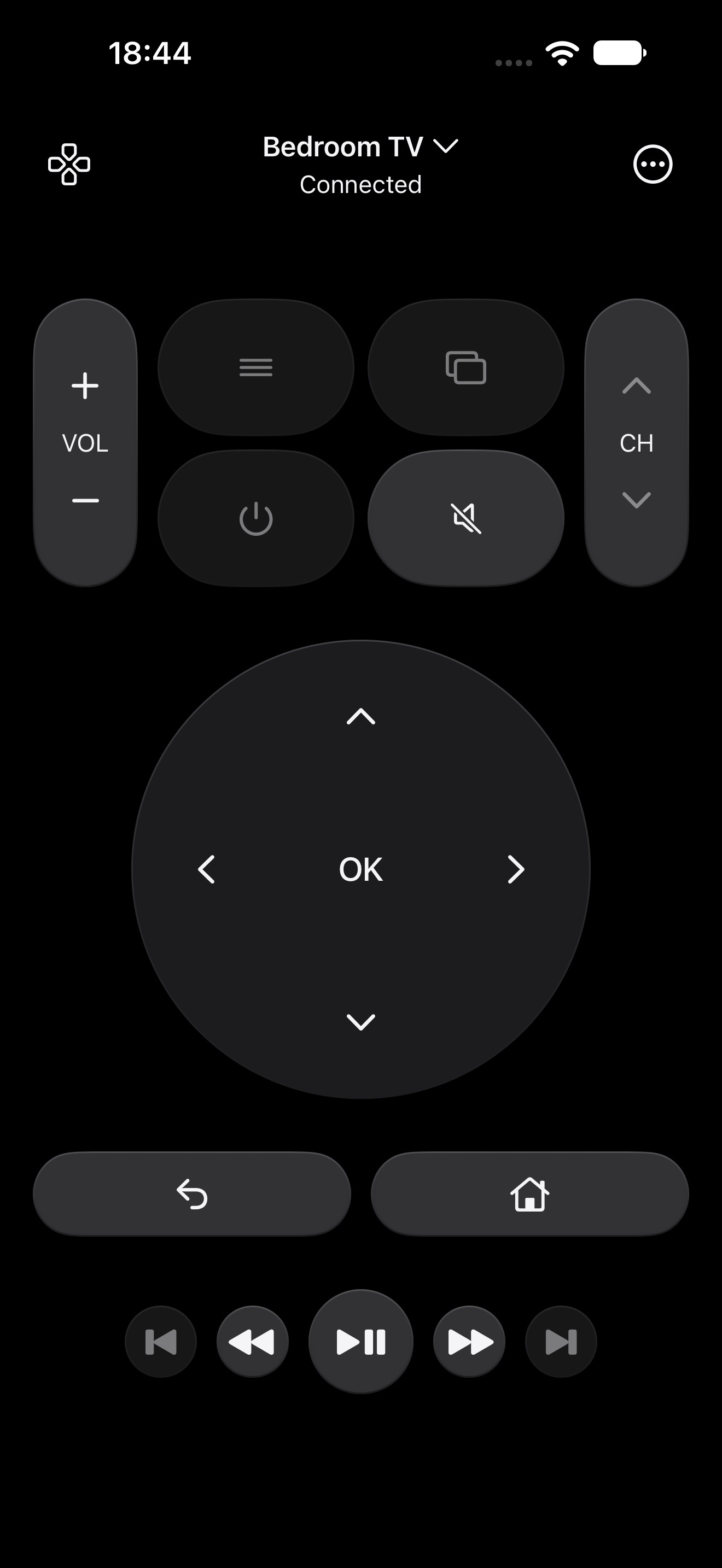
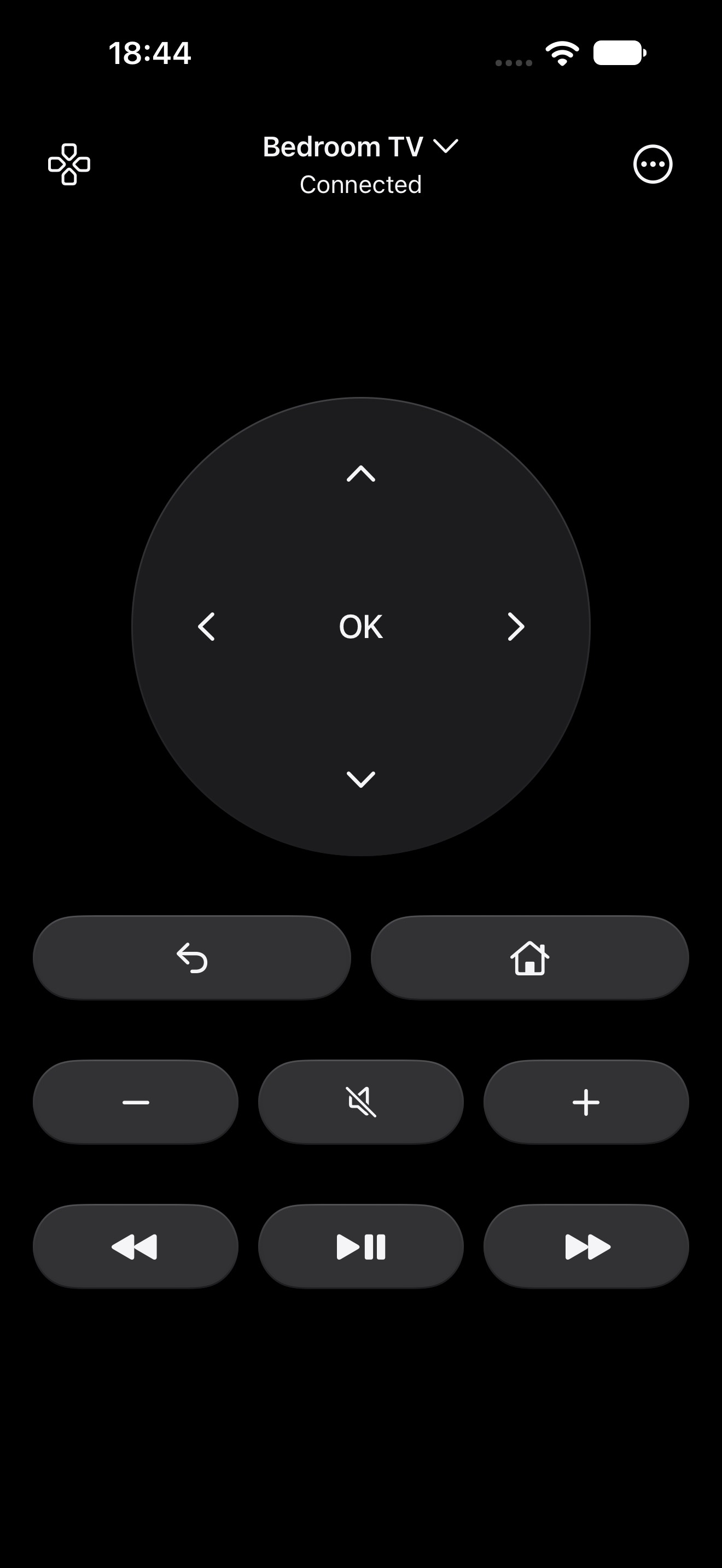
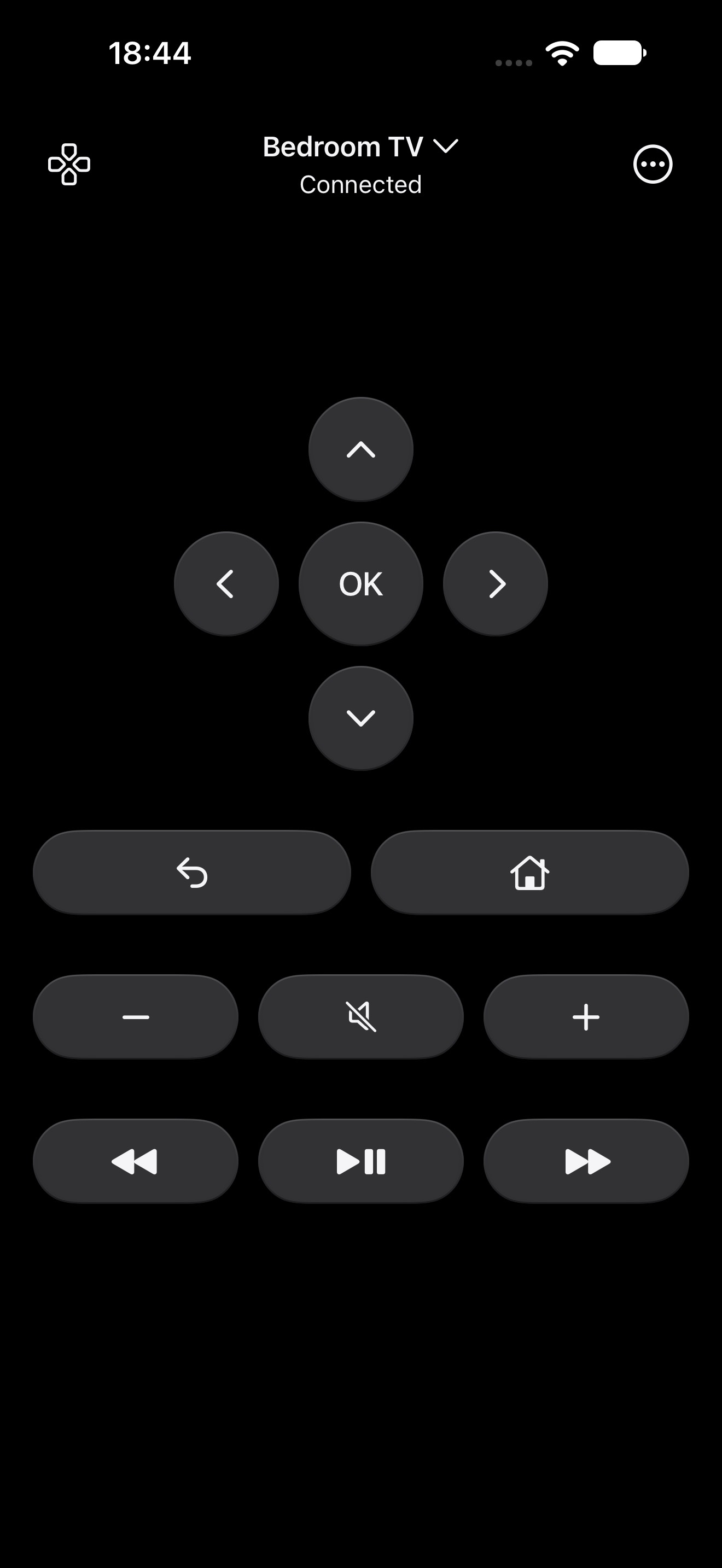
Buttons, touchpad, volume and playback.
Send video from your iPhone to a compatible TV.

Present PDFs and images. Change slides, track time and follow the slide count.
Connect your iPhone and TV to the same local network.
Open the TV selector in Remotee and choose your TV.
Follow the pairing prompt on your TV and iPhone.
 Android TV & Google TV
For compatible Android TV and Google TV devices. Features vary by TV model and firmware.
Control your TV with buttons or a touchpad, cast videos and present PDF or image slides from your iPhone.
Wake the TV, connect both devices to the same local network and allow Remotee in iPhone Local Network settings. Guest networks can block discovery.
Saved TV details and pairing stay on your iPhone. Typed text goes only to your paired TV. Read the privacy policy for optional services, email and website hosting.
For your TV. From your phone.
Early access